
52.3 million smartphones: mobile-first is no longer a design choice.
The Communications Authority's latest figures put smartphones at over 52 million connected devices. Here is what that means for your website.

Safaricom and Pesapal have taken QR and NFC payments to the till. Here is what changes for Kenyan merchants, online and off.
By Hanova Editorial
On 23 October 2026, Safaricom and Pesapal announced three faster ways to pay with M-PESA at physical shops: Dynamic Scan-to-Pay, Tap-to-Pay and AI Pay (TechMoran). The common thread is simple. Customers type less, and the amount and merchant details fill themselves in.
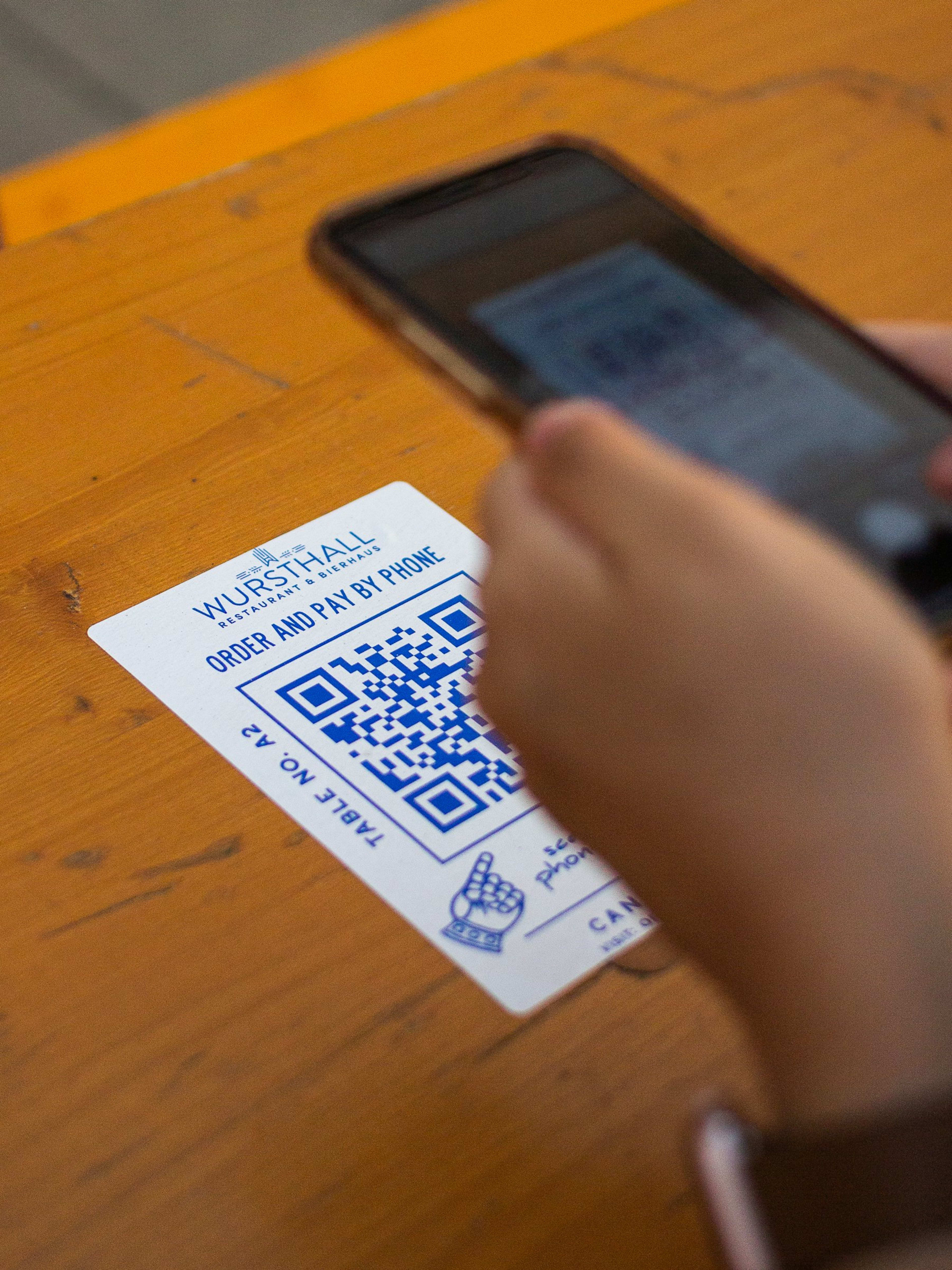
Scan-to-Pay lets a customer scan a QR code linked to a merchant's Till Number instead of keying in the till and the amount. The dynamic version runs on Pesapal POS devices, where the amount is filled in for the customer to confirm.
Tap-to-Pay uses NFC. A customer with an NFC-enabled phone taps it on a supported Pesapal terminal, checks the details and pays.
AI Pay sits inside the My OneApp experience. A customer scans a printed or handwritten receipt, and where the details are recognised, the Till or PayBill and the amount are filled in automatically.
Safaricom says Scan-to-Pay is already live at more than 60,000 merchant outlets, with a target of 500,000 within a year.
Customers who learn to pay by scanning in a shop will expect the same on a website. Every extra field at checkout is a chance for a typo, a wrong till number or an abandoned order. If your online checkout still asks people to copy a PayBill number and an account reference by hand, it now feels slower than the counter down the road.
M-PESA keeps moving the effort away from the customer and into the system. Businesses that do the same, on their websites, invoices and point of sale, will feel easier to buy from. That is the whole game at checkout.
If you want your online checkout to match what customers now get at the counter, talk to us. M-PESA integration is a core part of the software we build.
The Communications Authority's latest figures put smartphones at over 52 million connected devices. Here is what that means for your website.
Safaricom's new JumbeID hides customers' names and numbers on payment messages. Businesses that still verify payments by screenshot should change how they work.